Every Screenshot deserves a Studio.
Drop in any screenshot, pick a frame, and export in seconds. Same canvas you see below. No separate preview, no surprises.
Device
Style
Drag & drop, click to browse, or paste
⌘V to pasteTilt
Zoom · 100%
Layout presets
Raw vs. Framed
Still looks like a screenshot.
Now it looks shipped.
No filters, no manual masking. Drag the handle, the same source image, before Framerly and after.
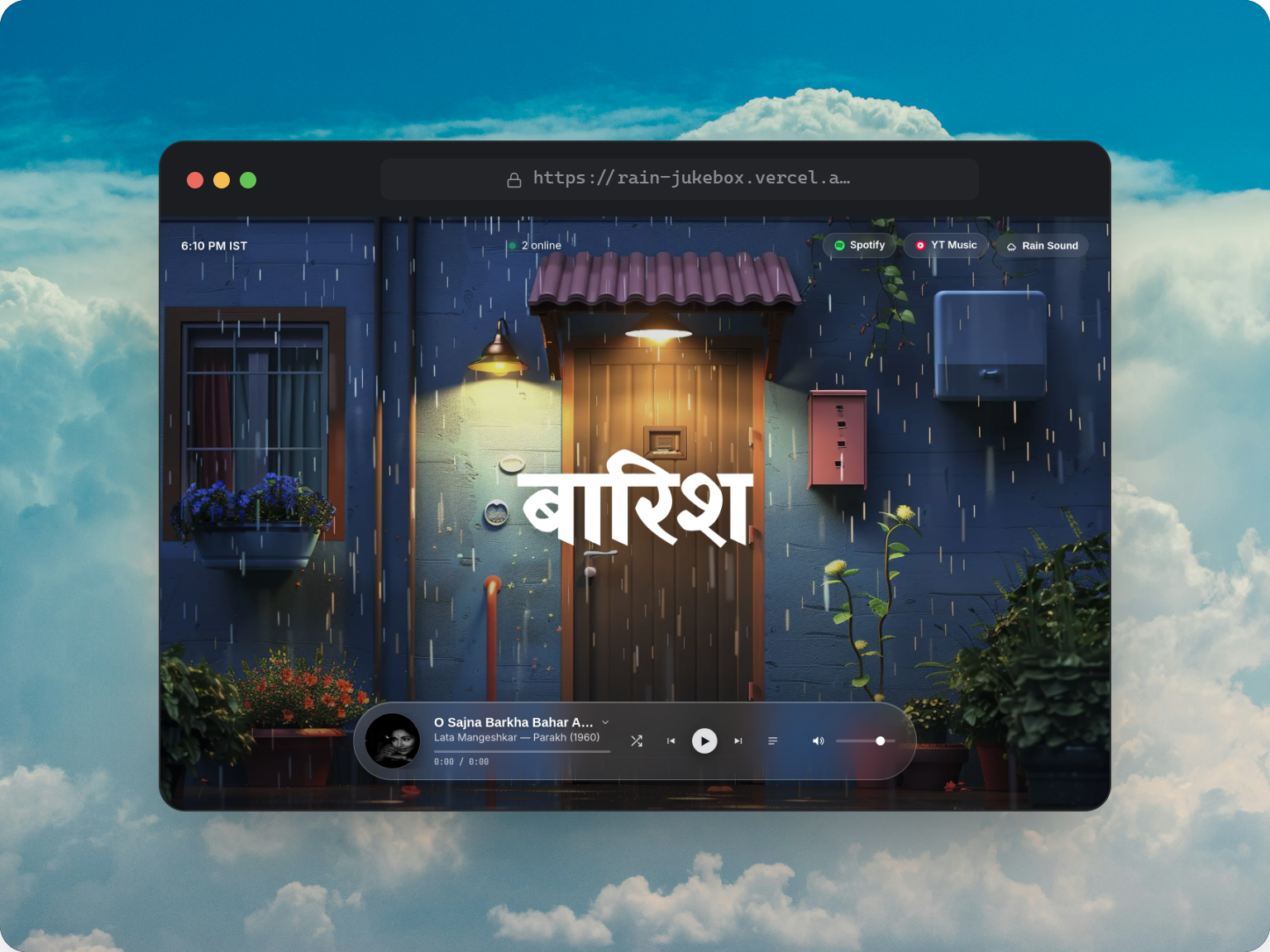
A backdrop for every screenshot
Pick a background, then set how much room the shot gets, how round its corners are, and how far off the page it floats.
Northwind
Overview
Sessions
Funnels
Retention
Overview
Revenue
Signups
1,284
Churn
0.8%
Northwind
Overview
Sessions
Funnels
Retention
Overview
Revenue
Signups
1,284
Churn
0.8%
Northwind
Overview
Sessions
Funnels
Retention
Overview
Revenue
Signups
1,284
Churn
0.8%
44 Gradients
Curated two- and four-stop ramps
16 Photos
MacOS, skies, patterns, and abstracts
15 Radiants
Different shades radial backgrounds
Adjustable padding
Room around the screenshot
Rounded corners
Square through fully round
3 Shadow depths
A whisper of lift to a full drop
Every shot, in the right frame
Wrap the screenshot in real window chrome or a device body, then tip the whole thing into perspective.
Browser frame
Your own domain in the URL bar
macOS window
A title bar you can name
Frosted glass
A soft bezel that survives export
iPhone
Dynamic Island and all
Laptop
Lid, deck, and webcam dot
Perspective tilt
Three axes, plus film grain
Every control a screenshot actually needs.
Nothing you won't use. Nothing you have to fight to find.
Device Frames
Browser, MacBook, iPhone, Glass.
3D Transforms
Tilt and zoom presets for perspective that feels real.
Beautiful Backdrops
Gradient, solid, or image backgrounds tuned to sit behind the shot, not compete with it.
Shadow & Radius
Independent controls for shadow depth, corner radius, and canvas padding.
High-Res Export
PNG, sized for a tweet, a deck slide, or a 4K hero banner.
Capture by Link
Paste a URL, choose light or dark, done.
Custom Backgrounds
Upload your own image, drop in a solid color or gradient, lift a gradient straight from your photo, or go fully transparent.
Three steps. That's it.
No accounts, no installs, no friction.
Add your screenshot
Tap to pick one from your photos, drag and drop, or paste with Ctrl+V. PNG, JPG, and WebP all work.
Make it beautiful
Pick a background, adjust padding and shadows, then annotate with arrows, text, or blur.
Export and share
Download your polished screenshot as a retina PNG, ready to share everywhere.
Your next screenshot deserves
better lighting.
Open the studio, drop in an image, and see it framed in under ten seconds. No sign-up required to try it out.
Open the Studio